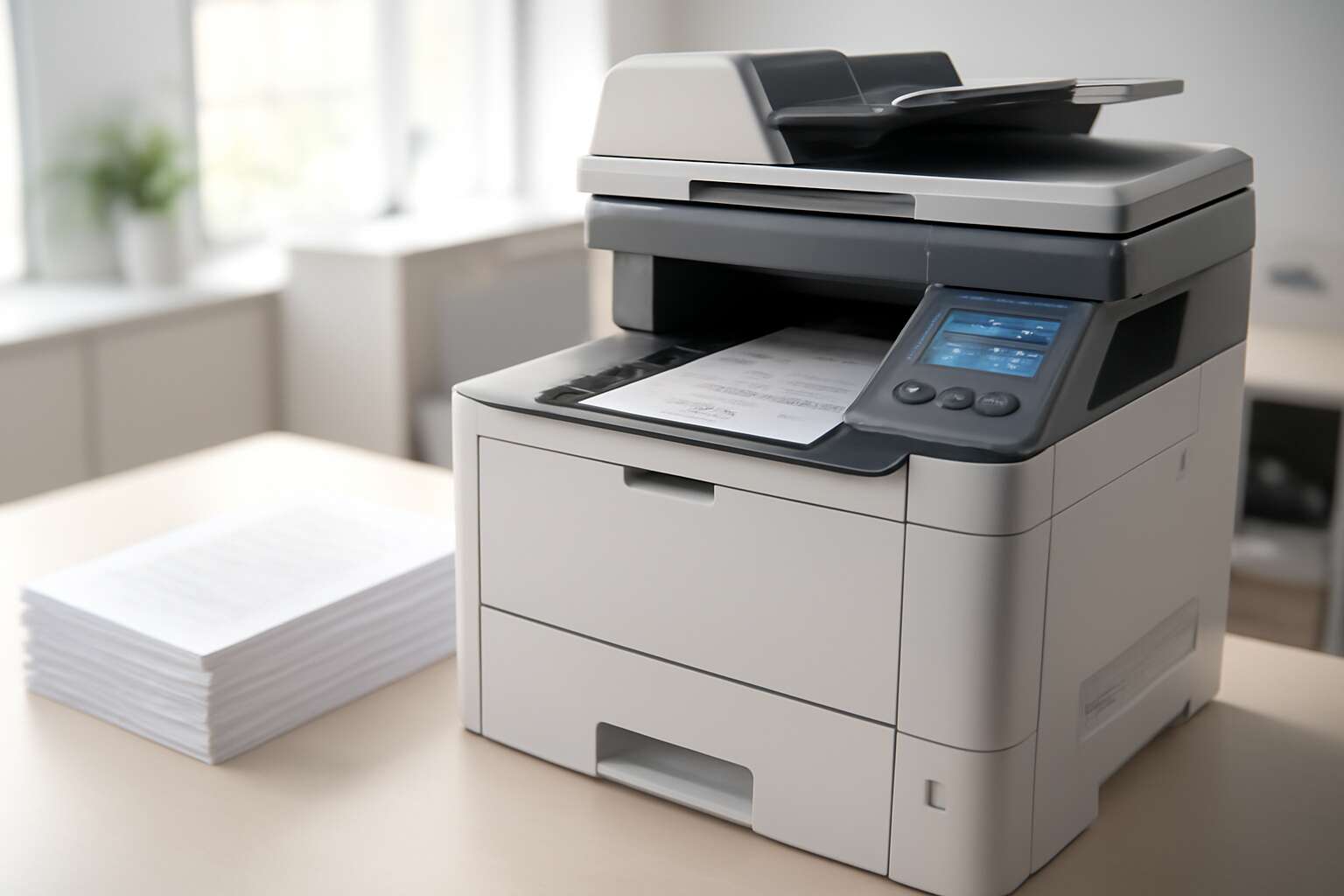
Choosing the right office copier for business needs
Assessing office volume and workflows
In South Africa’s bustling offices, the right choice can streamline operations and cut costs. Across many organisations, inefficient document handling can cost up to 15% of admin time. A well-matched photocopy machine for business can transform mailrooms and meeting rooms into efficiency hubs, turning stacks of paper into smoothly flowing workflows. By aligning capacity with real needs, you unlock speed, reliability, and peace of mind.
To choose wisely, weigh key factors:
- Duty cycle and monthly throughput
- Paper handling, tray sizes, and finishing options
- Security features and user access controls
- Cloud, mobile, and network connectivity
Assess office volume and workflows to ensure every page moves with intention, not friction, and that your team remains unhindered.
Key features to compare for business use
Choosing the right photocopy machine for business isn’t just about speed; it’s about finding a teammate that keeps up with your team’s pace and budget. In South Africa, properly matched equipment can trim admin tasks by up to 20%, turning chaos into a predictable, smooth workflow in minutes rather than hours.
Key features to compare include finishing versatility, paper handling across sizes, warm-up times, and energy efficiency. Look for media compatibility, crisp color and monochrome output, and seamless integration with cloud or mobile workstreams so printing never bottlenecks a meeting.
- Warranty coverage and service accessibility
- Parts availability and predictable maintenance windows
- Upgrade paths and optional add-ons
Total cost of ownership and budgeting
In South Africa, the right tool turns admin into minutes, not hours. A well-matched office device keeps teams productive and meetings on track! Choosing the right photocopy machine for business isn’t just about speed or print quality—it’s about total cost clarity and how the asset fits your budget over years.
Total cost of ownership means looking past the sticker price. Budgeting should account for upfront purchase or lease, ongoing maintenance, consumables, energy use, and predictable service windows. The ROI comes from reliability, uptime, and a longer component life, not just the monthly fee.
Shop for providers who offer transparent quotes, spare parts availability, and upgrade paths that keep pace with evolving needs. A well-planned procurement avoids budget shocks and keeps your floorspace and workflow aligned.
Future-proofing and scalability
A well-planned upgrade strategy can cut downtime by up to 30% in busy South African offices, turning busy corridors into well-oiled habits and printers into dependable colleagues.
Choosing the right photocopy machine for business means embracing future-proofing and scalability: devices that handle rising volumes, smarter job routing, and seamless cloud integration without locking you into a single vendor.
- Modular firmware and component upgrades
- High-capacity consumables and efficient energy use
- Centralized management across sites
This approach keeps teams nimble, reduces reprinting, and preserves space for ideas to bloom.
In South Africa, choose providers with upgrade paths, transparent service windows, and reliable spare parts to let the photocopy machine for business grow with your teams.
Features that drive productivity in a business environment
High speed print and copy specifications
In a crowded SA office, speed is more than convenience—it’s profit. A Johannesburg operations manager once quipped, “Speed is productivity, and a photocopy machine for business is the engine that keeps us moving.” That truth underpins every choice about high-speed print and copy specs and how they translate to real workday momentum.
Modern devices handle pages with astonishing tempo, turning long runs into minutes, not hours. Key capabilities include fast output, single-pass duplex scanning, and smooth paper handling that reduces jams.
- 60–120 pages per minute depending on model
- Single-pass duplex copy and scan for speed and accuracy
- Large-capacity trays and intelligent paper paths to minimize loading
Beyond speed, the experience matters—secure release, mobile print, and intuitive controls keep teams focused rather than fiddling with settings. The right machine becomes a quiet, reliable workhorse in any South African office.
Advanced finishing options and workflows
Across South Africa’s bustling offices, studies show that up to 62% of workflow delays trace back to document handling. A photocopy machine for business becomes the quiet hinge that keeps momentum turning, turning routine tasks into a smoother, more human rhythm.
Beyond speed, finishing options and streamlined workflows let teams produce polished packets, proofs, and handouts with minimal fuss.
- Professional stapling and folding
- Booklet creation and duplex saddle-stitch
- Three-hole punch, hole-punch alignment, and perfect edge trim
When finishing becomes automatic, teams spend more time collaborating and less time babysitting machines! The result is a workhorse that frees time for strategy, client care, and growth.
Mobile and cloud integration
Here in South Africa’s busy offices, the pace of a day is measured in pages, not hours. A recent study found that teams embracing mobile and cloud-enabled workflows complete documents 25–30% faster, turning scattered tasks into a single, elegant rhythm. The photocopy machine for business, becoming not a device, but a conductor of productivity, lets people print, scan, and share from anywhere, without friction.
Key features that drive this harmony include:
- Mobile printing and scanning across devices
- Cloud integration and secure cloud storage
- Secure print with PIN authentication
- Remote monitoring and fleet management from a single dashboard
- Intuitive app ecosystem and seamless interoperability with office software
Together, these capabilities translate to calmer teams, fewer delays, and more room for thoughtful client care and growth.
Security and access controls
In the steady hum of a busy South African office, security is a productivity lever, not a hindrance. A reliable photocopy machine for business protects sensitive material with PIN-based release, robust user authentication, and encrypted on-device storage, so every print is purposeful!
- PIN-based secure print
- Role-based access control
- Audit trails and reporting
- Encrypted on-device storage
This governance reduces waste and supports compliance with POPIA, while administrators monitor activity from a single dashboard that orchestrates access across the fleet.
With these comprehensive controls, teams stay focused on client service and strategic growth, converting everyday copying into meaningful, safeguarded productivity.
Total cost of ownership and ROI
Upfront costs vs long-term savings
Offices across SA waste real money when copy costs creep up. One in three print jobs stalls, derailing productivity and margins alike. The decision around a photocopy machine for business should hinge on upfront price plus long-term savings, uptime, and energy use—not glittery features alone.
Total cost of ownership means more than the sticker price. Ongoing maintenance, supplies, energy bills, and downtime bite budgets. A solid service contract and efficient consumables maximize ROI and keep disruptions to a minimum.
- Per-page consumables efficiency
- Proactive maintenance windows
- Energy-saving modes
Maintenance and service plans
Total cost of ownership isn’t a sticker price game; it’s a ledger of reliability, energy, and downtime. For any photocopy machine for business, ROI hinges on proactive maintenance, smart service plans, and predictable consumables costs—everything that keeps workers productive and margins steady in SA’s dynamic office climates.
- Proactive maintenance windows that fit office rhythms
- Defined uptime targets with rapid on-site or remote support
- Spare parts and consumables availability to prevent delays
In SA, where energy costs bite budgets and disruptions sting margins, a robust maintenance plan translates into steadier output and real long-term savings.
Consumables and energy efficiency
South Africa’s offices aren’t just desks and cups of coffee; they’re energy budgets waiting to be bent by downtime. A sharp quip from a CIO sums it up: “If the printer stalls, the invoices stall too.” For a photocopy machine for business, ROI isn’t a one-time buy—it’s a living ledger of uptime, consumables, and energy use. The real win comes from proactive maintenance, smart service plans, and predictable consumables costs that keep teams moving and margins intact, even as load shedding bites.
In the ROI equation, the following ROI levers matter:
- Spare parts availability to prevent delays
- Consumables transparency and predictable pricing
- Energy-saving modes that cut daily power draw
That makes the photocopy machine for business a reliable workhorse in SA’s energy-conscious office climate.
Depreciation and tax considerations
Downtime in South Africa’s offices isn’t just a nuisance—it’s a hidden cost that gnaws at margins. When you buy a photocopy machine for business, you’re committing to a long-term operating budget, not a one-off price tag. The real ROI shows up in depreciation, tax allowances, and smart maintenance that keeps the device humming instead of gathering dust.
Consider these ROI levers in your numbers:
- Depreciation method options (straight-line vs diminishing value) to optimize timing
- Leasing vs buying to protect cash flow and align with maintenance needs
- VAT treatment and deductibility on consumables and service
With careful planning, a photocopy machine for business becomes a predictable line item rather than a guessing game.
Security, compliance, and data protection
User authentication and data security
South Africa’s offices are grappling with rising data risks, and a photocopy machine for business can become a blind spot if left unsecured. Treat it as a data gateway—lock it down with user authentication, strong encryption, and clear data-retention rules. POPIA compliance asks for auditable trails and safe disposal.
User authentication and data security should be non-negotiable features. Look for secure print release, card or mobile login, and memory encryption.
- Secure print release with PIN, badge, or mobile authentication
- Encryption at rest and memory cleanup on completion
- Audit trails, access controls, and role-based permissions
Choose devices that integrate seamlessly with your policies, so your team can work without worry—and your data remains yours.
Document handling security features
In today’s data-driven offices, a single page can reveal more than a story. The photocopy machine for business sits at the door to your confidential world, and in South Africa, data rules demand strict handling from first copy to final disposal. Heavy-handed safeguards aren’t optional—they’re the price of trust.
Document handling security features should cover every step: from who can release prints to how residual data is scrubbed after a job. Look for devices that enforce automatic memory cleanup, retention windows, and disposal workflows—keeping sensitive material out of the wrong hands.
- Retention controls that purge sensitive copies after use
- Automatic memory cleanup after each job
- Defined disposal and secure recycling workflows
Regulatory compliance across industries
South Africa’s data rules don’t play around, and a photocopy machine for business is a frontline defender of trust. In a landscape where a single page can expose more than a spreadsheet, smart devices support compliant handling from first copy to final disposal, turning risk into auditable, low-drama workflow.
Across industries, regulatory compliance means more than legal talk—it means traceable workflows, robust access controls, and verifiable logs. Here are quick touchpoints to keep your copy flow compliant:
- POPIA-aligned data handling, retention, and destruction practices
- Audit-trail capable systems with secure print release and tamper-evident job tickets
- Industry-standard encryption and secure disposal workflows
Regulatory compliance across industries isn’t optional in SA—it’s how you keep the doors open to trust. When your copy flow reads like a well-structured policy and still hums with efficiency, you’ve mastered the art of business-grade security.
Audit trails and reporting
One page can topple a fortress of trust; audit trails keep it standing. A photocopy machine for business becomes a quiet sentinel, logging who copies, when, and from which device—turning every job into a traceable act. In South Africa’s fast-paced offices, a durable audit trail and clear reporting convert potential risk into a steady, auditable rhythm that auditors will respect and managers will rely on.
- User authentication before any print or scan
- Tamper-evident, time-stamped job tickets
- Exportable activity reports for audits
- Central dashboards with anomaly alerts
These features power secure handling and data protection across departments. Verifiable logs, secure print release, and tamper-evident tickets translate into governance you can see and trust. With exportable reports and centralized dashboards, compliance becomes a natural byproduct of daily work, not a separate project. The machine stands as a guardian of integrity, making every copy traceable from start to finish.
Installation, maintenance, and vendor support
On-site setup and IT integration
In South Africa’s busy offices, downtime costs can climb quickly when a new device is misaligned. The installation that follows must be precise: on-site setup that respects your network, power, and security constraints, plus IT integration that makes your workday flow. A well-placed photocopy machine for business moves faster from boxes to workflows, turning frustrated queues into efficient document streams.
Maintenance and vendor support are not afterthoughts but air and fuel for operation, a quiet measure of reliability. Choose a vendor that offers on-site service windows, remote diagnostics, and escalation paths. Aftercare includes training for staff and predictable spare-parts delivery, so you’re never left waiting.
- On-site readiness and integrated network alignment
- Remote diagnostics and proactive maintenance
- Training and ongoing support access
With the right approach, vendor support becomes a steady partner rather than a loud problem, letting the device blend seamlessly into every workflow.
Regular maintenance schedules and parts availability
South Africa’s fast-paced offices know that a single hour of downtime can derail a whole day. Installation should be precise—power, network, and workflow alignment—so your photocopy machine for business slips into every routine, turning chaotic queues into calm, efficient document streams.
Regular maintenance schedules and predictable spare-parts delivery keep momentum steady. Vendors offering on-site check-ins and proactive wear checks catch issues before they become interruptions.
When vendor support becomes a steady partnership, maintenance feels almost invisible. A simple framework keeps you aligned, with services that are predictable and humane.
- Tailored service windows
- Real-time health checks and monitoring
- Predictable spare-parts delivery and clear escalation paths
Support levels and response times
In South Africa’s fast-paced offices, one hour of downtime can derail a whole day. Installation is more than plugging in; it’s a precise alignment of power, network, and workflow so a photocopy machine for business slips into the office rhythm.
Regular maintenance schedules and proactive wear checks keep momentum steady—on-site check-ins and predictable spare-parts delivery prevent interruptions, with real-time health checks and tailored service windows ensuring downtime stays rare.
Support levels and response times can define the partnership. The common tiers include:
- Basic: 24-hour response with remote guidance and next-day on-site visit.
- Standard: 4-hour response during business hours, on-site within 1 business day.
- Premium: 2-hour remote diagnostics plus on-site visit in the same day.
Upgrade and replacement cycles
Downtime costs a day, not a minute. In South Africa’s fast-paced offices, a single hour of downtime can derail momentum faster than a power surge. Installation is more than plugging in; it’s the precise alignment of power, network, and workflow so a photocopy machine for business slips into the office rhythm.
Regular maintenance schedules and proactive wear checks keep momentum steady. On-site check-ins and predictable spare parts delivery prevent interruptions, with real-time health checks ensuring downtime stays rare and predictable in busy environments across the country.
Vendor support upgrades and replacement cycles shape long-term value. Typical refresh windows—hardware every 3 to 5 years and firmware updates annually—help ensure your system stays secure, efficient, and compatible with evolving office processes. A light-touch UL list follows:
- Firmware refresh cadence
- Spare-parts availability
- Lease vs. buy considerations

0 Comments