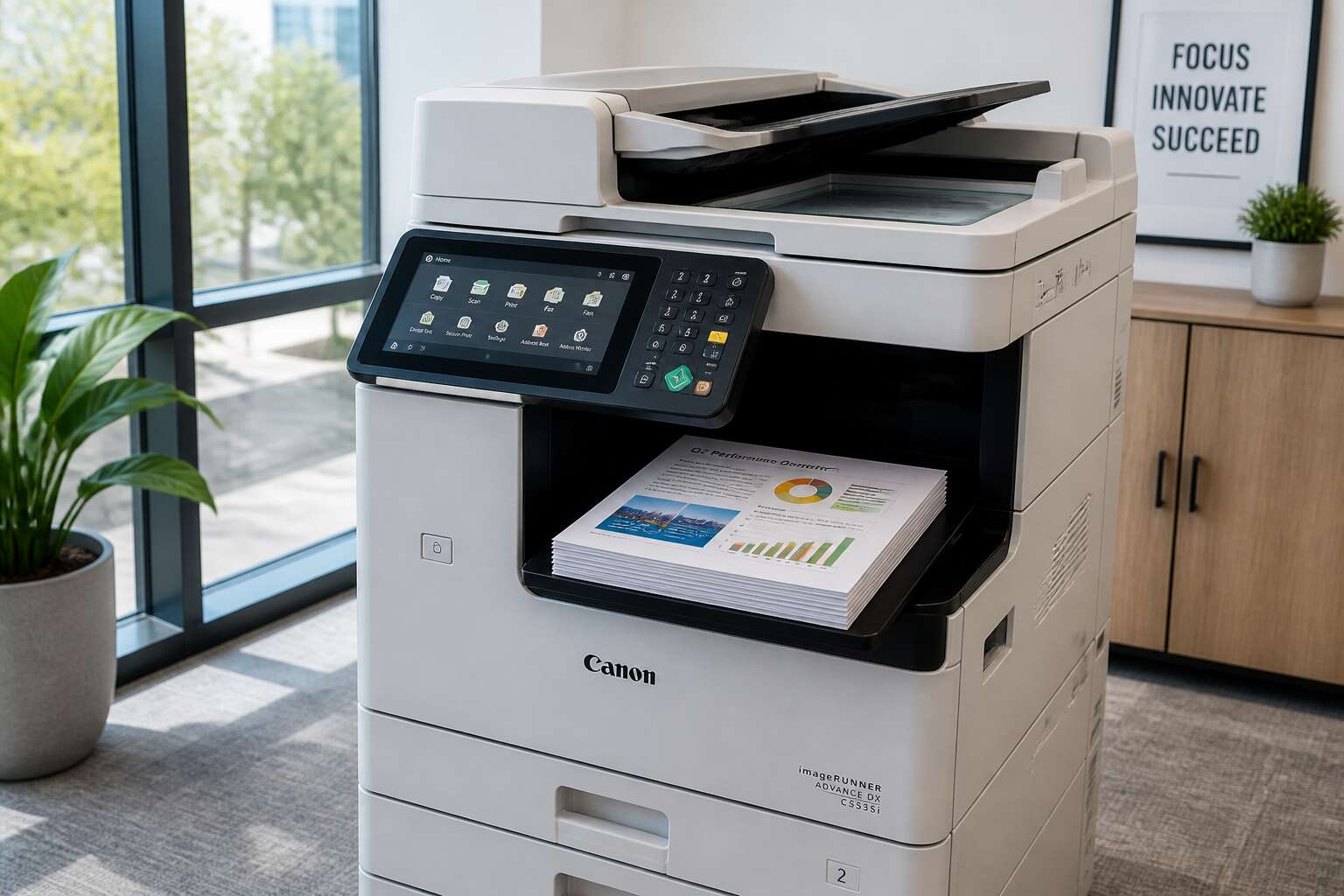
Evaluating the Core Capabilities
Evaluating a photocopier with printer demands a sharp eye for office social dynamics. I have seen the quiet panic when a deadline looms and the machine produces blank pages. Reliability is the true luxury.
Core capabilities decide your fate. A few non-negotiables:
- Auto document feeder for that frantic multi-page report
- Wireless connectivity to avoid the cable clutter
- Consistent print quality for client-facing documents
These features determine whether your mornings start with calm or chaos. In South Africa’s bustling workspaces, the right device makes daily operations smoother.
Budgeting Beyond the Purchase Price
A photocopier with printer rarely ends at the initial payment. In South Africa, the real expense hides in daily operation. I recall a client who budgeted R15,000 for a machine, only to spend double that on services in the first year. The purchase price only marks the start.
What comes next determines your true spend. Toner costs fluctuate with exchange rates. Electricity tariffs climb each year. And repair technicians charge for callouts even if the fix is simple. Each component requires forethought.
- Toner and imaging units
- Preventative maintenance agreements
- Paper handling and staple cartridges
- Surge protection for load shedding
Your usage profile shapes these expenses. A legal firm prints pages daily. A startup might run a hundred sheets per week. Understanding that difference saves money. Always calculate the per-page cost of your photocopier with printer before finalising the deal.
Matching the Device to Your Work Environment
Somewhere between the hum of a small startup and the relentless pace of a legal firm, the right photocopier with printer can transform chaos into calm. I have seen offices where the machine sits too far from the team, or too slow for the daily output. The truth is, your work environment demands a specific kind of hardware, not a generic one. This matters more than you think!
Consider the physical space first. A narrow passageway needs a compact unit, while an open-plan floor can handle a larger, faster model. Also think about the volume of paper, the frequency of colour printing, and the level of technical support available. These factors decide whether you thrive or merely survive.
- Assess the daily print volume before choosing
- Match the speed to your team’s peak hours
- Check the duty cycle for heavy usage
In South Africa, where load shedding still interrupts workflows, a reliable photocopier with printer must offer flexible power options. I recommend testing the user interface before committing. A machine that frustrates your staff will only create friction.
Installation and Daily Operation
The first power-on is a simple process. You slide the paper in, hear the click, and wait for the display to glow. Installation takes less than half an hour, provided your network recognizes the device. I have set up three of these units. Run the setup wizard, connect to Wi-Fi, then print a calibration page.
Daily operation feels almost routine after that. A few daily habits keep everything running:
- Feed the paper tray at half capacity to avoid jams.
- Clean the glass every morning.
- Scan the error log before lunch.
A photocopier with printer gives you crisp, reliable output when you follow these habits.
Security and Advanced Workflows
A photocopier with printer holds the same risk as an unguarded computer. In the daily rhythm of an office, it’s easy to overlook this device. Yet it stores every document it touches. Security settings sit at the heart of any modern device, and you need more than a password to feel safe.
These features matter:
– Automatic data encryption for every stored file.
– User authentication before releasing print jobs.
– Audit trails that track each scan and copy.
Each feature closes a specific loophole. This matters beyond compliance. It concerns data privacy for your clients and your staff.
Once security is handled, workflows expand. A photocopier with printer can scan directly to cloud storage. It can convert paperwork into searchable text. It can even route documents to the right person without a single manual step. These functions transform a simple machine into a core office tool, saving hours of drudgery.

0 Comments