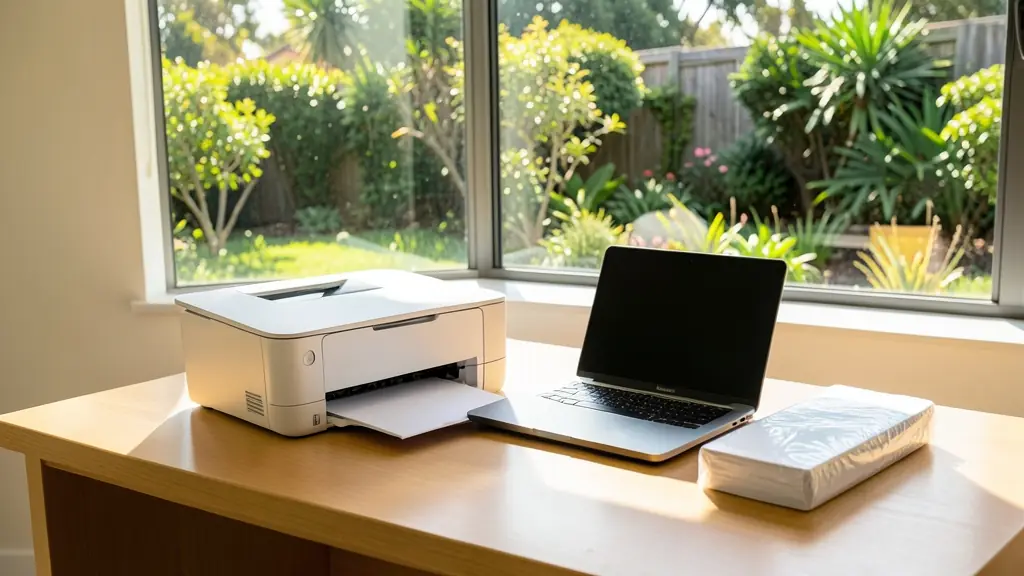
A laser printer uses toner, a light sensitive drum and a heated fuser to print fast, sharp pages that do not smudge. Mono laser printers print black only and usually have the lowest cost per page of any small printer; colour laser printers add three more toners. They suit offices and home offices that print regularly, and because toner does not dry out, they are ready after weeks unused. This page compares laser and inkjet, explains toner and drum costs and networking, and shows when a laser printer is better value than a copier.
Laser or inkjet
An inkjet sprays liquid ink and prints good colour and photos, but cartridge ink can dry out if the printer stands unused, and the cost per page on cartridge models is often high. A laser printer melts toner onto the page with its fuser, prints text quickly and keeps well between jobs. Ink tank inkjets close the gap on running cost. For mostly black documents, a mono laser is usually the cheaper printer to run. For photos and occasional colour, look at an inkjet and its ink cartridges.
Toner and drum costs
Laser printers use toner cartridges rated by yield in pages at about 5% coverage, a standard test page, so if you print dense pages you get fewer. Some printers have the drum built into the toner cartridge; others use a separate drum unit that outlasts several toners. Before you buy, ask what the toner and drum cost and how many pages each gives, then work out the cost per page. A cheap printer with dear toner is a common trap. Compatible and remanufactured toners cost less than the maker's own, but quality varies, so ask for a page yield and a guarantee.
Mono or colour
A mono laser printer suits invoices, letters, delivery notes and reports. A colour laser adds cyan, magenta and yellow toners, so it costs more to buy and to run, and each colour runs out on its own. Many offices keep a mono laser for everyday work and send colour jobs to one shared colour machine. Ask whether the printer prints both sides automatically (duplex), which saves paper. If colour matters to you only for the odd logo or chart, check whether the printer lets you set mono as the default so nobody prints colour by accident.
Networked printers, and when a copier makes more sense
Most office laser printers connect by network cable or Wi-Fi so several people can share one, and many print from phones. If you also need copying and scanning, a laser multifunction printer does both. Once a team prints thousands of pages a month or needs A3, a copier on a click contract often works out cheaper per page and comes with service included.
What to put in your request
- Mono or colour
- Pages printed a month
- How many people will share it
- Network cable, Wi-Fi or USB
- Whether you want spare toner with it
Laser Printers for offices, schools and home offices
- Home offices: a compact mono laser that sits idle for days and still prints first time
- Small businesses and shops: a networked mono laser for invoices plus one shared colour printer
- Corporate and head offices: desktop laser printers for private offices and confidential printing
- Schools, colleges and universities: laser printers in the admin office for reports, letters and receipts
- Medical practices, clinics and hospitals: small laser printers at reception for scripts, invoices and forms
- Law firms, accountants and agents: a mono laser at each desk for letters, drafts and court papers
- Government and municipalities: networked laser printers bought in batches on a set specification
- Factories, mines and warehouses: a mono laser for delivery notes and job cards in the dispatch office
- Churches, NGOs and community groups: a mono laser for letters, rosters and weekly notices
Frequently asked questions
Is a laser printer cheaper than an inkjet?
How long does a laser printer last?
Will a laser printer run on a UPS?
Do you sell laser printers yourselves?
Laser Printers by province and city
- Johannesburg
- Pretoria
- Centurion
- Midrand
- Sandton
- Randburg
- Roodepoort
- Krugersdorp
- Randfontein
- Germiston
- Boksburg
- Benoni
- Kempton Park
- Alberton
- Vanderbijlpark
- Vereeniging
- Durban
- Pinetown
- Pietermaritzburg
- Richards Bay
- Newcastle
- Ladysmith
- Gqeberha (Port Elizabeth)
- East London
- Kariega (Uitenhage)
- Mthatha
- Cape Town
- Bellville
- Paarl
- Stellenbosch
- George
- Worcester
- eMalahleni (Witbank)
- Middelburg
- Secunda
- Mbombela (Nelspruit)
- Rustenburg
- Brits
- Klerksdorp
- Potchefstroom
- Mahikeng
- Polokwane
- Tzaneen
- Kimberley
- Upington
- Bloemfontein
- Welkom
- Sasolburg