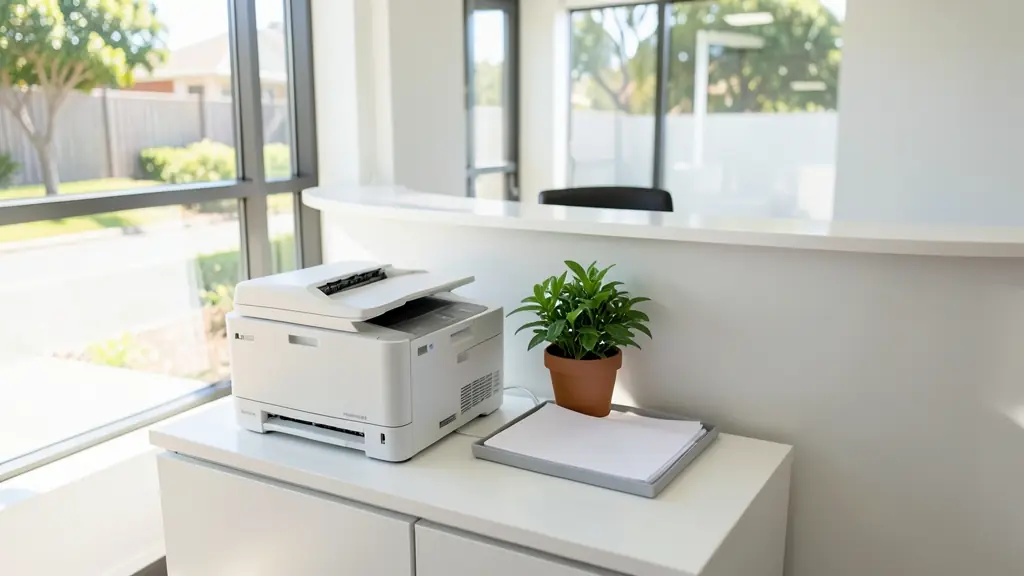
A multifunction printer (MFP) prints, copies, scans and sometimes faxes in one machine. Small desktop models suit a home office or a team of a few people; larger floor standing models are what most dealers call a copier. The choices are inkjet or laser, mono or colour, how you connect it, and how it handles stacks of paper. This page explains those choices for office printers, what to look for in scanning and two sided printing, and how to compare quotes from independent office printer suppliers.
Desktop or floor standing
A desktop MFP sits on a desk or cabinet, prints A4, and suits a few people printing anything from a few hundred to a few thousand pages a month, depending on the model. A floor standing MFP is a full office copier, faster and often A3, built for whole departments; see photocopiers. Check the recommended monthly volume rather than the maximum duty cycle, and pick a machine comfortably above what you print.
Look at the paper handling too. A single tray of about a ream means someone refills it often in a busy office; a second tray lets you keep letterheads or A5 forms loaded. Ask about the toner or ink sizes, because a starter cartridge supplied in the box often prints fewer pages than a full one.
Inkjet or laser
A laser MFP uses toner and a fuser, prints quickly and is ready after weeks without use. An inkjet sprays liquid ink, prints good colour and has no fuser, but ink can dry out if the machine stands unused for long.
Ink tank models cost more to buy and much less per page than cartridge models. Compare the cost of toner or ink cartridges at your volume as well as the machine price. On a cheap printer, a few sets of cartridges can cost more than the printer did.
Scanning, duplex and the document feeder
For an office, the scanner matters as much as the printer. A document feeder (ADF) takes a stack of originals; a single pass duplex feeder scans both sides at once, which is quicker for contracts and patient files. Duplex printing on both sides saves paper. Check that it can scan to email, to a shared folder or to the cloud, and ask about secure print if several people share it, so that confidential pages only come out when the owner is at the machine.
Network, Wi-Fi and mobile printing
Most office MFPs connect by network cable or Wi-Fi, and many print from phones. A network cable is usually steadier for a shared machine. Each computer needs a driver, and scan to email needs the email account's settings, which often have to change when an email service moves to modern sign-in. A supplier can set it up, see copier installation. If it misbehaves later, printer repairs cover desktop models.
Plug it into a surge protector. The surges when power returns after load-shedding are a common cause of dead control boards in small printers.
What to put in your request
- How many people will use it
- Pages printed and scanned a month
- Colour or mono, inkjet or laser
- Network cable, Wi-Fi or both
- Scan to email, a folder or the cloud
Multifunction Printers for offices, schools and home offices
- Home offices: a compact laser or ink tank MFP that scans to email and prints from a phone
- Small businesses and shops: a desktop colour MFP for quotes, invoices and scanned slips
- Corporate and head offices: desktop MFPs for private offices alongside the main floor copiers
- Schools, colleges and universities: a desktop MFP in the office or a classroom, beside the main copier
- Medical practices, clinics and hospitals: a colour MFP with a two sided feeder that scans forms to patient files
- Law firms, accountants and agents: an MFP that scans contracts to client folders, with secure print
- Government and municipalities: desktop MFPs for small offices and satellite sites on a set specification
- Factories, mines and warehouses: a mono laser MFP in a closed office away from the dust of the floor
- Churches, NGOs and community groups: an ink tank MFP for small print runs and for scanning records
Frequently asked questions
What is the difference between a multifunction printer and a copier?
Do I still need a fax?
Is a multifunction printer good for a small office?
Do you sell printers yourselves?
Multifunction Printers by province and city
- Johannesburg
- Pretoria
- Centurion
- Midrand
- Sandton
- Randburg
- Roodepoort
- Krugersdorp
- Randfontein
- Germiston
- Boksburg
- Benoni
- Kempton Park
- Alberton
- Vanderbijlpark
- Vereeniging
- Durban
- Pinetown
- Pietermaritzburg
- Richards Bay
- Newcastle
- Ladysmith
- Gqeberha (Port Elizabeth)
- East London
- Kariega (Uitenhage)
- Mthatha
- Cape Town
- Bellville
- Paarl
- Stellenbosch
- George
- Worcester
- eMalahleni (Witbank)
- Middelburg
- Secunda
- Mbombela (Nelspruit)
- Rustenburg
- Brits
- Klerksdorp
- Potchefstroom
- Mahikeng
- Polokwane
- Tzaneen
- Kimberley
- Upington
- Bloemfontein
- Welkom
- Sasolburg