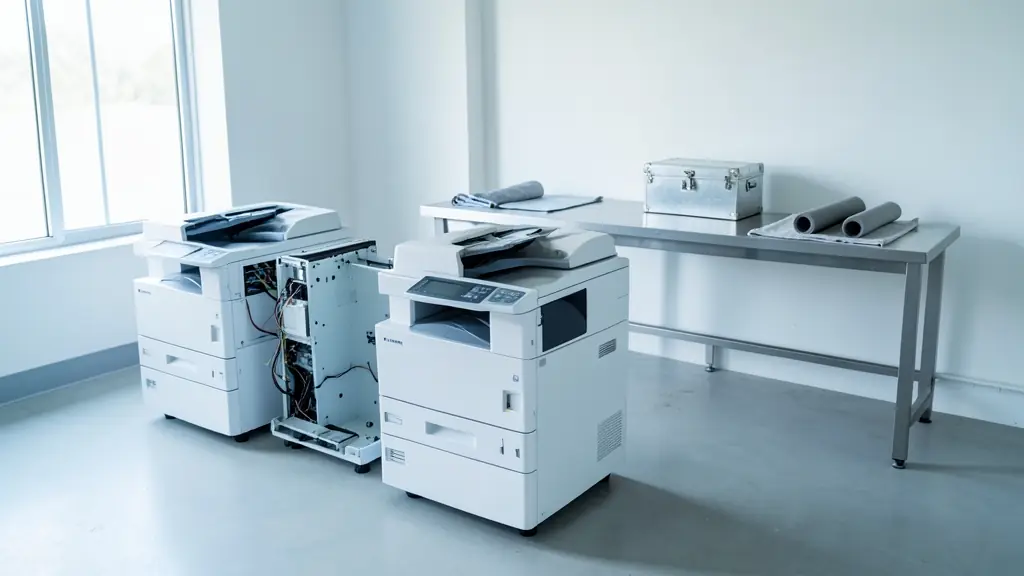
A second hand photocopier costs a good deal less than a new one, and a well refurbished machine can serve a church, school or start up for years. The risk is buying a tired machine, or an old model that nobody stocks parts for. Many used copiers come back from leases after three to five years. This page explains what refurbished should mean, what to ask about the meter reading, age and parts, warranties and service on a used machine, and how to compare quotes from independent dealers who sell them.
Refurbished, ex-lease or sold as is
A properly refurbished copier has been cleaned inside and out, had worn parts such as rollers, the fuser and often the drum replaced, been tested, and comes with a warranty. An ex-lease machine has come back at the end of a lease, often after three to five years; some are refurbished before resale and some are not. A copier sold as is is cheapest and riskiest. Ask the seller which of the three you are being offered and exactly what work was done. A short written list of the parts replaced is a good sign that the work was really done.
Questions to ask about the machine
- The meter reading: the total page count, from the menu. Compare it with what the model was built for.
- The age, and how long ago the model came out.
- Parts and toner: are they still available for this model? Very old machines can be hard to keep running. See photocopier parts.
- Test copies: ask for a copy and a print of a page with text and solid areas. Streaks or a grey background can point to a worn drum.
- The warranty: how long, and what it covers.
Service on a used copier
A used copier still needs toner, parts and the odd call-out. Many dealers who sell refurbished machines offer a service contract priced per click, just as for a new one, sometimes at a higher rate for an older machine. Ask for that rate before you buy, because a cheap copier with expensive clicks is no bargain. If you would rather not carry the risk of owning it, a rental may suit you better. Ask too whether the dealer delivers, sets the machine up on your network and shows your people how to use it, as with a new one.
Data on the hard drive
Many copiers store scanned and copied images on an internal hard drive or memory. Before a used machine is sold, its drive should be wiped or replaced, so ask the seller to confirm that it was. If you are selling or trading in your own copier, POPIA means you must protect the personal information on it: ask for the drive to be wiped or removed, and send machines nobody wants to recycling rather than a landfill.
What to put in your request
- Pages a month in black and in colour
- A4 or A3, colour or mono
- Your budget for the machine
- Whether you want a service contract
- The warranty you expect
Used Photocopiers for offices, schools and home offices
- Home offices: a used desktop printer suits better than a heavy second hand copier
- Small businesses and shops: a refurbished A4 copier with a warranty and a click contract to start with
- Corporate and head offices: rarely bought used; ex-lease machines leave corporates and go for resale
- Schools, colleges and universities: a refurbished A3 copier for worksheets, with a spare for exam season
- Medical practices, clinics and hospitals: a refurbished multifunction copier with a freshly wiped hard drive
- Law firms, accountants and agents: a used A3 copier for a new practice, upgraded once the practice grows
- Government and municipalities: used machines only where the tender allows refurbished equipment
- Factories, mines and warehouses: a cheap used mono copier for a dusty workshop or site office
- Churches, NGOs and community groups: a refurbished copier for bulletins, bought with a donation
Frequently asked questions
Is a used copier worth buying?
What should I avoid?
Can I get a cheap copier for home?
Do you sell used copiers yourselves?
Used Photocopiers by province and city
- Johannesburg
- Pretoria
- Centurion
- Midrand
- Sandton
- Randburg
- Roodepoort
- Krugersdorp
- Randfontein
- Germiston
- Boksburg
- Benoni
- Kempton Park
- Alberton
- Vanderbijlpark
- Vereeniging
- Durban
- Pinetown
- Pietermaritzburg
- Richards Bay
- Newcastle
- Ladysmith
- Gqeberha (Port Elizabeth)
- East London
- Kariega (Uitenhage)
- Mthatha
- Cape Town
- Bellville
- Paarl
- Stellenbosch
- George
- Worcester
- eMalahleni (Witbank)
- Middelburg
- Secunda
- Mbombela (Nelspruit)
- Rustenburg
- Brits
- Klerksdorp
- Potchefstroom
- Mahikeng
- Polokwane
- Tzaneen
- Kimberley
- Upington
- Bloemfontein
- Welkom
- Sasolburg